 Body Fat Percentage Chart
Create Organizational Chart In Word - In this tutorial, you’ll discover how to create a hierarchy chart in word, use hierarchy chart word. In this tutorial, you’ll learn to easily create and modify org charts using microsoft word in a few minutes. Learn how to create an organization chart in word by using smartart. On the insert tab, in the illustrations group, click smartart. Organizational charts help visualize a company's structure. Along with templates for each application, we’ll show you how to make an organizational chart from scratch so you can customize it to your liking.

Creating An Organizational Chart
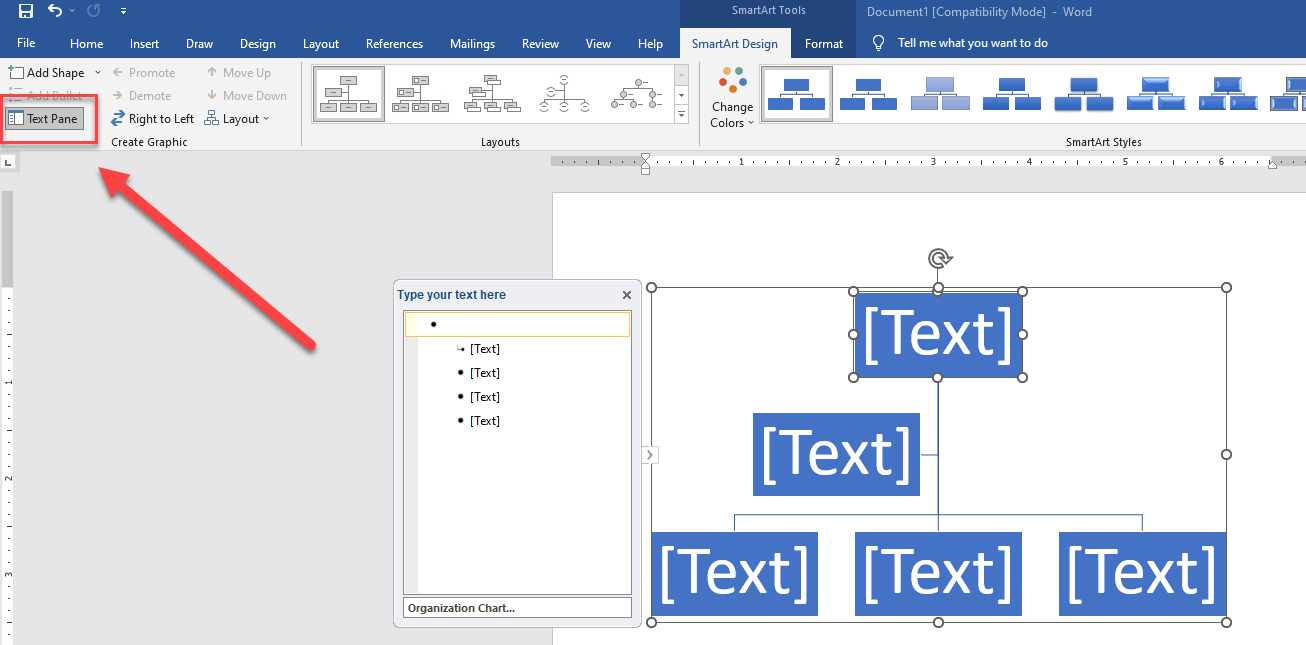
Along with templates for each application, we’ll show you how to make an organizational chart from scratch so you can customize it to your liking. Organizational charts are a fantastic visual tool for showing the structure. In the choose a smartart graphic gallery, click hierarchy, click an organization chart layout (such as organization chart), and then click ok. This first organizational chart template for.
Organizational Chart In Word
This tutorial walks you through each. Microsoft word offers three distinct methods for creating organizational charts—smartart graphics, manual shapes, and downloadable templates. This first organizational chart template for. Learn how to easily build, edit, and customize an org chart in word step by step! Learn how to create an org chart in word, tips for making the process more efficient, limitations of word, a more suitable alternative and free templates to get started today.

Create Organizational Chart
In the choose a smartart graphic gallery, click hierarchy, click an organization chart layout (such as organization chart), and then click ok. Organizational charts help visualize a company's structure. Along with templates for each application, we’ll show you how to make an organizational chart from scratch so you can customize it to your liking. In this tutorial, you’ll learn to easily create and modify org charts using microsoft word in a few minutes.

Circle Org Chart Organizational Chart Org Chart Organization Chart
This first organizational chart template for. On the insert tab, in the illustrations group, click smartart. Organizational charts are a fantastic visual tool for showing the structure. Learn how to easily build, edit, and customize an org chart in word step by step! In the choose a smartart graphic gallery, click hierarchy, click an organization chart layout (such as organization chart), and then click ok.
How To Create Organizational Chart In Ms Word
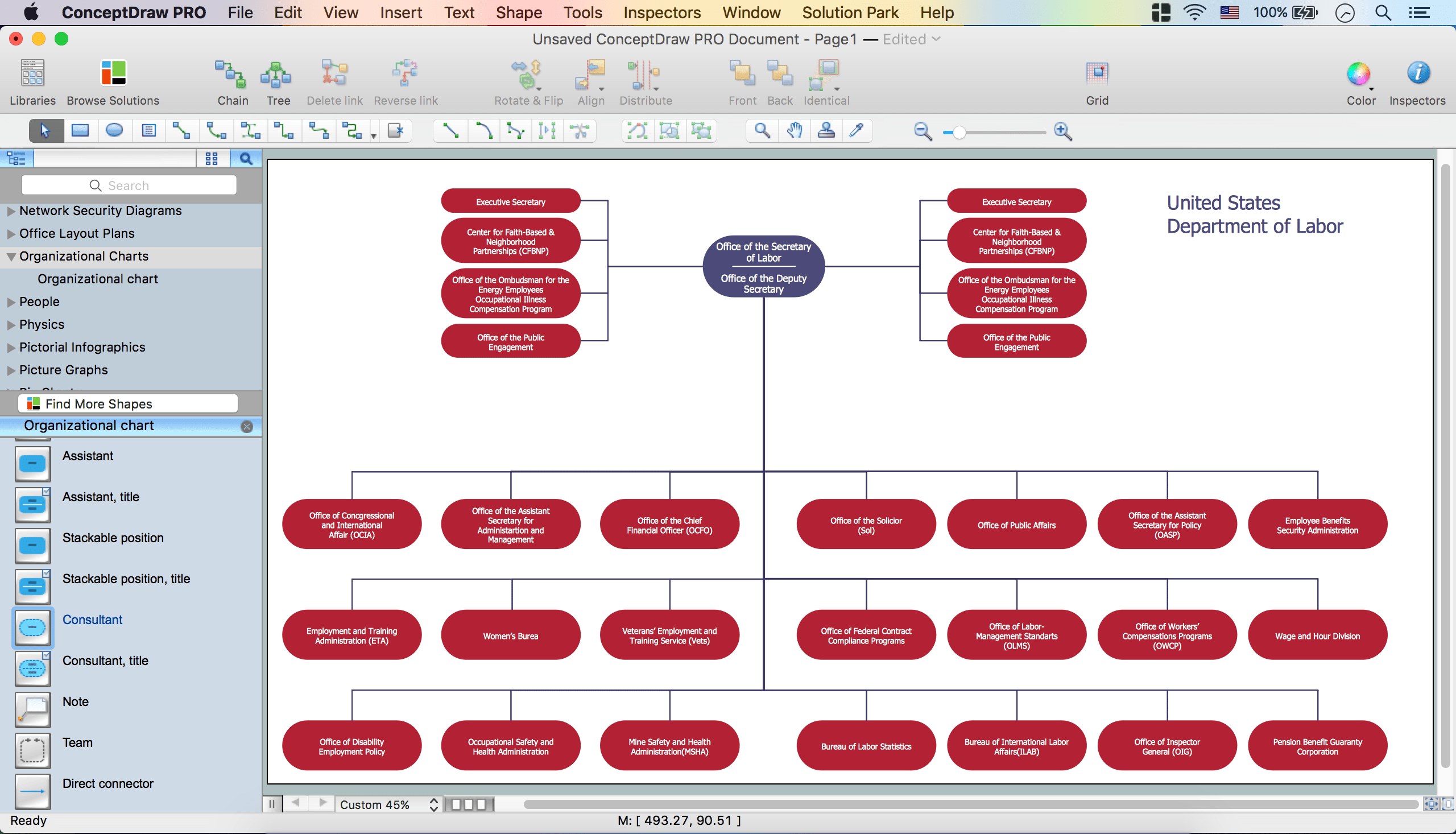
Organizational charts help visualize a company's structure. In this tutorial, you’ll discover how to create a hierarchy chart in word, use hierarchy chart word. Learn how to easily build, edit, and customize an org chart in word step by step! Learn how to create an org chart in word, tips for making the process more efficient, limitations of word, a more suitable alternative and free templates to get started today.
In This Tutorial
Microsoft word offers three distinct methods for creating organizational charts—smartart graphics, manual shapes, and downloadable templates. This tutorial walks you through each. This first organizational chart template for. On the insert tab, in the illustrations group, click smartart.
Organizational Charts Are A Fantastic Visual Tool For Showing
In this tutorial, you’ll discover how to create a hierarchy chart in word, use hierarchy chart word. Learn how to create an org chart in word, tips for making the process more efficient, limitations of word, a more suitable alternative and free templates to get started today. Learn how to easily build, edit, and customize an org chart in word step by step! Along with templates for each application, we’ll show you how to make an organizational chart from scratch so you can customize it to your liking.
Organizational Charts Help Visualize A Company's Structure
Learn how to create an organization chart in word by using smartart. In the choose a smartart graphic gallery, click hierarchy, click an organization chart layout (such as organization chart), and then click ok.