 Body Fat Percentage Chart
Monday Gantt Chart - How do i create a simple gantt chart in excel? This 2025 updated tutorial shows you exactly how to create and customize gantt charts in monday.com to manage your tasks and deadlines efficiently. We love using gantt charts here at monday.com to bring our projects to life! Looking for a way to simplify complex projects and use more dynamic features to enhance your workflow? Try monday.com's gantt chart template to increase productivty. Teams can easily adjust task durations, set dependencies and visualize progress using.
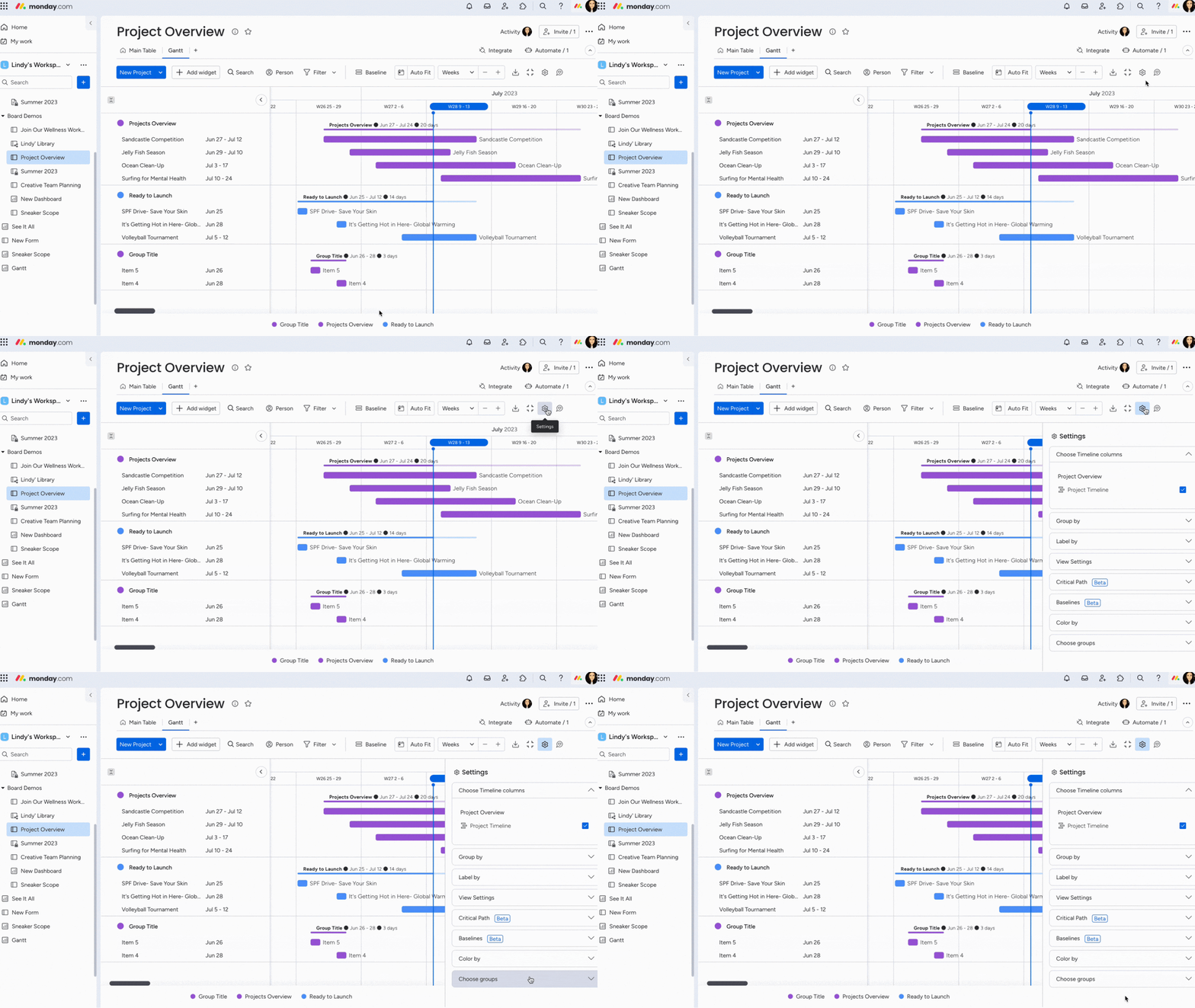
How To Create A Gantt Chart In
Looking for a way to simplify complex projects and use more dynamic features to enhance your workflow? This makes it much simpler to maintain early alignment. Try monday.com's gantt chart template to increase productivty. Turn your projects into clear, organized, and visual plans with the gantt view and widget! How do i create a simple gantt chart in excel?

We love using gantt charts here at monday.com to bring our projects to life! This article will guide you through creating a gantt chart in monday.com, highlighting its limitations and introducing an alternative. The monday.com gantt chart offers an intuitive visual timeline for planning and tracking projects. How do i create a simple gantt chart in excel? Put your work in context and collaborate with your entire team, seamlessly.

Get Your Excel Gantt Chart Template Blog
This article will guide you through creating a gantt chart in monday.com, highlighting its limitations and introducing an alternative. How do i create a simple gantt chart in excel? The monday.com gantt chart offers an intuitive visual timeline for planning and tracking projects. Put your work in context and collaborate with your entire team, seamlessly. Try monday.com's gantt chart template to increase productivty.

This makes it much simpler to maintain early alignment. Learn how to effectively use monday.com gantt charts to visualise the project timelines, track progress, and manage dependencies. In other words, using a monday gantt chart is a quick and simple way to describe the steps necessary to finish a project on time and within budget. Put your work in context and collaborate with your entire team, seamlessly.
In other words, using a monday gantt chart is a quick and simple way to describe the steps necessary to finish a project on time and within budget. Turn your projects into clear, organized, and visual plans with the gantt view and widget! Looking for a way to simplify complex projects and use more dynamic features to enhance your workflow?
Looking For A Way To Simplify Complex Projects
This 2025 updated tutorial shows you exactly how to create and customize gantt charts in monday.com to manage your tasks and deadlines efficiently. Put your work in context and collaborate with your entire team, seamlessly. In other words, using a monday gantt chart is a quick and simple way to describe the steps necessary to finish a project on time and within budget. Teams can easily adjust task durations, set dependencies and visualize progress using.
Learn How To Effectively Use Monday.com Gantt Charts
How do i create a simple gantt chart in excel? This article will guide you through creating a gantt chart in monday.com, highlighting its limitations and introducing an alternative. The monday.com gantt chart offers an intuitive visual timeline for planning and tracking projects. Try monday.com's gantt chart template to increase productivty.
🚀 In This Video You’ll Learn
Turn your projects into clear, organized, and visual plans with the gantt view and widget! This makes it much simpler to maintain early alignment. We love using gantt charts here at monday.com to bring our projects to life!